Under Fire!
Platforms:
Apple II,
Commodore 64,
IBM PC/Compatibles
| Platform: | Apple II |
| Display Type: | Color |
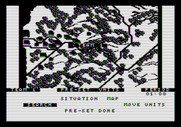
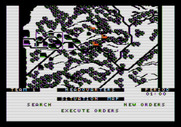
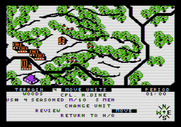
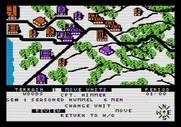
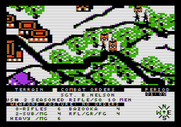
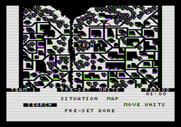
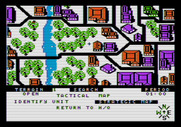
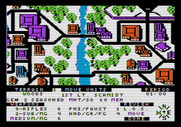
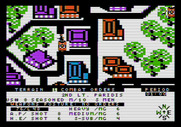
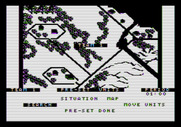
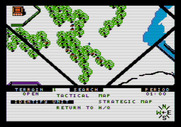
| Platform: | Apple II |
| Display Type: | Monochrome |
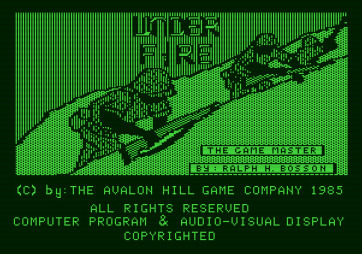
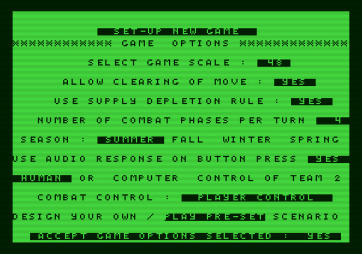
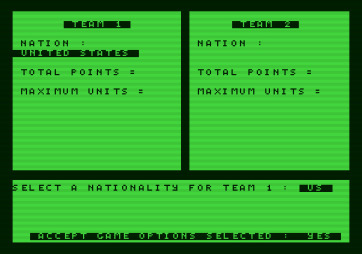
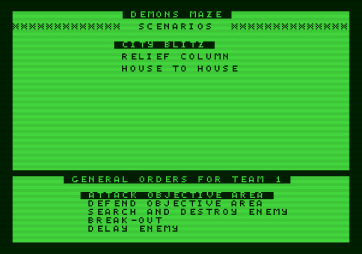
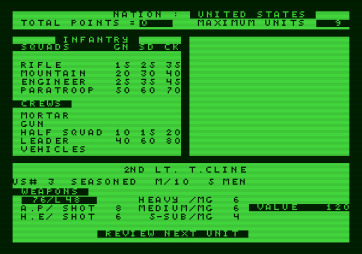
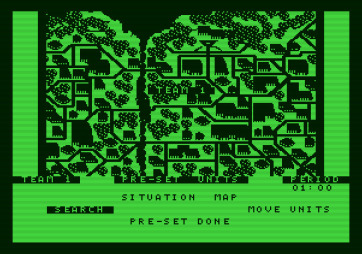
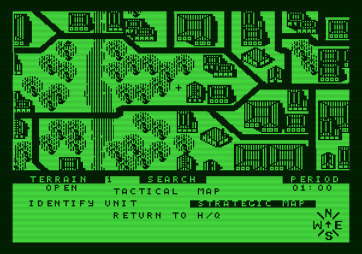
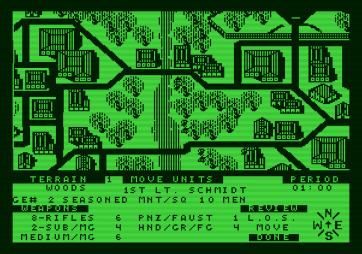
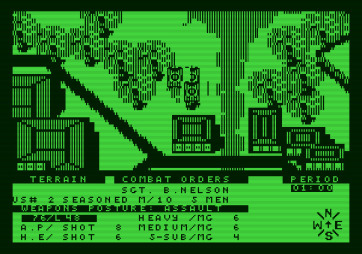
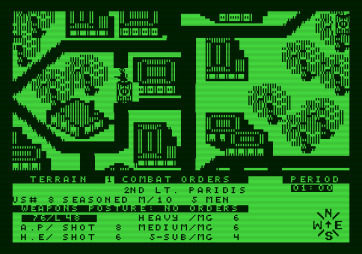
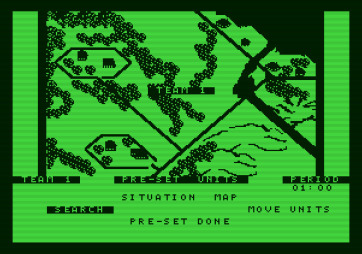
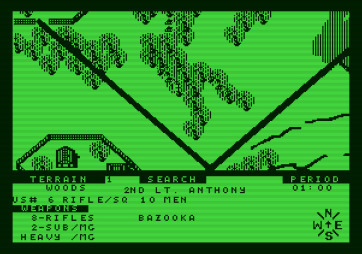
| Platform: | Commodore 64 |
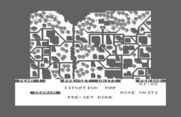
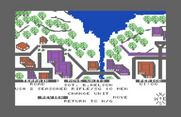
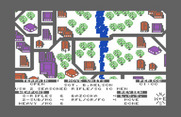
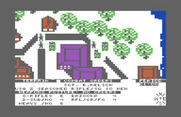
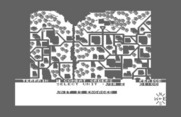
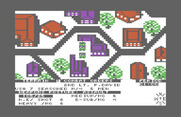
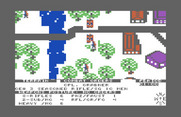
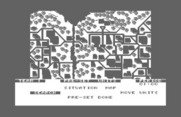
| Platform: | IBM PC/Compatibles |
| Display Type: | CGA with RGB monitor |
| Notes: | Color |
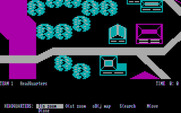
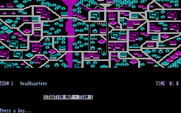
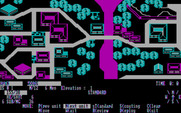
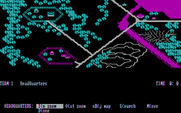
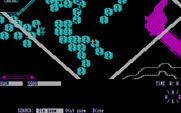
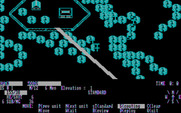
| Platform: | IBM PC/Compatibles |
| Display Type: | CGA with RGB monitor |
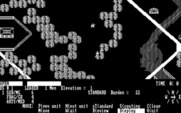
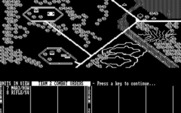
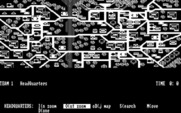
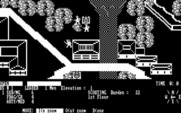
| Notes: | Black & White |
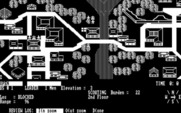
| Platform: | IBM PC/Compatibles |
| Display Type: | CGA with composite monitor |
| Notes: | With tint adjustment |
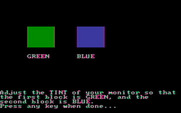
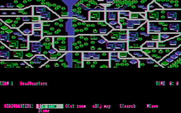
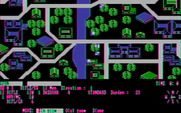
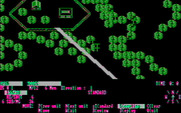
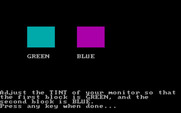
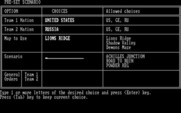
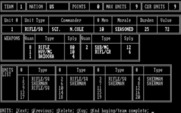
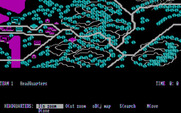
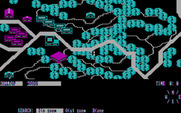
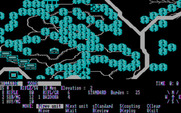
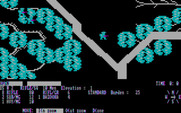
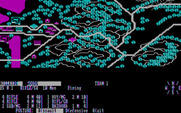
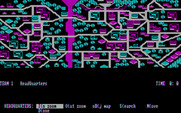
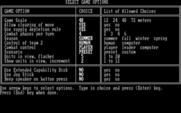
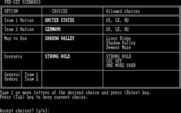
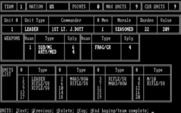
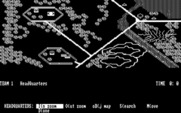
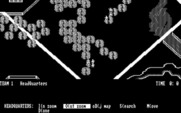
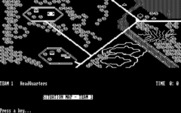
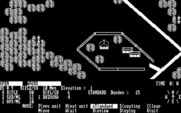
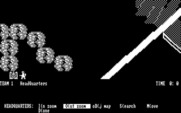
The game suggests adjusting the tint of your monitor until the cyan and magenta colors appear as green and blue. These screenshots simulate that adjustment and do not represent the default composite colors that would normally be seen. Changing the tint wasn't possible on RGB monitors, however this could be done with most composite displays. Due to color artifacting with 80-column text in color mode, however, when using a composite monitor the text would be more legible in black & white mode with this game. With the color mode text is often too difficult to read making the suggestion to adjust the tint nonsensical.